Introduction
What tt is and how it is put together.
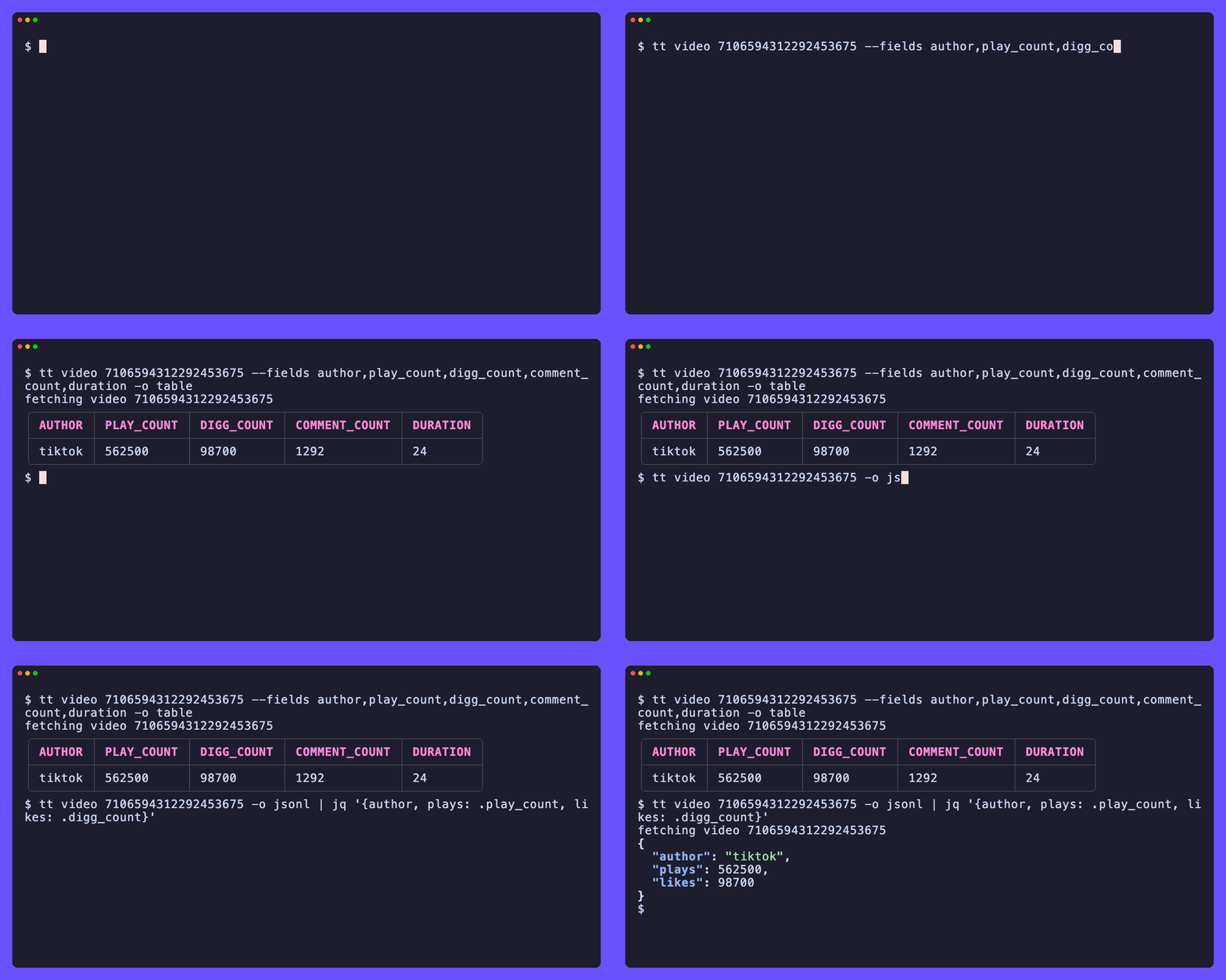
A command line for TikTok.
tt is a single binary. It reads public TikTok data over plain HTTPS, shapes the responses into clean records, and gets out of your way. There is nothing to sign up for and nothing to run alongside it. No API key, no login.
It reads the same surface a logged-out browser sees: the server rendered
universal-data blob embedded in each page, and the www.tiktok.com/api/*
endpoints the page's own JavaScript calls, signed the way the web client signs
them.
How it is built
- A library package (
tiktok) holds the HTTP client, the page parsing, the signed API calls, and the typed data models. It paces requests, sets an honest User-Agent, and retries the transient failures any public site throws under load. - A command tree (
cli) wraps the library in subcommands with shared output formats and flags. - Two reusable packages:
pkg/ttsignreimplements the msToken and the X-Bogus signature, andpkg/tthtmlpulls a named JSON blob out of a page. - One
cmd/ttentry point ties them together.
Two planes
TikTok serves data through two channels. The SSR plane is the JSON a page
already ships, and it needs no signing, so the commands that read it answer
reliably. The API plane is the signed /api/* surface behind a firewall that
scores the caller, so the commands that read it answer from a residential
session and are often gated from a datacenter IP. tt keeps the two clearly
separated and reports honestly with a dedicated exit code when the firewall wins.
Scope
tt is a read-only client over data TikTok already serves publicly. It reads that data and shapes it for you. That narrow scope keeps it a single small binary with no database, no daemon, and no setup.
Next: install it, then take the quick start.